Models
A model corresponds to an inference endpoint served either by an external model providers (e.g. OpenAI, Anthropic, etc.) or by an inference engine deployed in your own infrastructure.
Inference Endpoints
An inference endpoint is a deployable API endpoint that allows running machine learning models in production to generate predictions (or “inferences”) from new input data. In other words, an inference endpoint is a URL you can send data to, and it returns the model’s prediction.
As an example, OpenAI exposes POST https://api.openai.com/v1/chat/completions as their chat completion endpoint.
{
  "model": "gpt-4.1-2025-04-14",
  "messages": [
     {
       "role": "user",
       "content": "Write a bedtime story about a unicorn."
     }
  ]
}{
"id": "chatcmpl-B9MBs8CjcvOU2jLn4n570S5qMJKcT",
"object": "chat.completion",
"created": 1741569952,
"model": "gpt-4.1-2025-04-14",
"choices": [
{
"index": 0,
"message": {
"role": "assistant",
"content": "Under a silver moon, a sleepy unicorn named Luma ...",
"refusal": null,
"annotations": []
},
"logprobs": null,
"finish_reason": "stop"
}
],
"usage": { ... },
"service_tier": "default"
}The key components used to integrate a new model are:
- providing the endpoint URL that serves the model,
- selecting or defining a model adapter responsible for converting the endpoint inputs and outputs into a standardized format, see Model I/O Types,
- and optionally, configuring the authentication method and the SSL/TLS certificates for improved security.
Quick Links
Integrations
Usage
Create the model as defined in model.yaml. This will persist the model in AI GO!.
- If there is no model with the key provided in the YAML file, a new model is created.
- If a model with the key provided in the YAML file already exists, the model is updated if the data has changed.
lf model add -f 'model.yaml'     # Create/update a single model from a YAML file.
lf model add -f 'models/*.yaml'  # Create/update multiple models in a directory with YAML files.
List all models.
lf modelsDelete the model by key.
lf model delete 'my-model'Export the model by key.
lf model export 'my-model'                  # Export to STDOUT as JSON
lf model export 'my-model' -o 'model.yaml'  # Export into a YAML file
Testing
Use the model testing tools in the CLI or GUI to:
- check connection and run test inference on the model and
- check the model I/O transformation using the model adapter.
For custom ML tasks, custom JSON input with any structure can be provided to test the integration.
lf model test 'my-model'                             # Test with a dummy input.
lf model test 'my-model' --model-input 'input.json'  # Test with a custom input JSON.
Models from Model Providers
To add models from a well-known model providers, use the interactive CLI.
lf model add
? What type of model to add: provider
? Select the provider of the model: openai
? Select the model to integrate (Press Tab to see all models): gpt-5-nano
Successfully integrated model 'gpt-5-nano' from provider 'openai'. You can reference it by the key 'openai$gpt-5-nano'.
If you already know which model to add, then you can provide the provider and the model as:
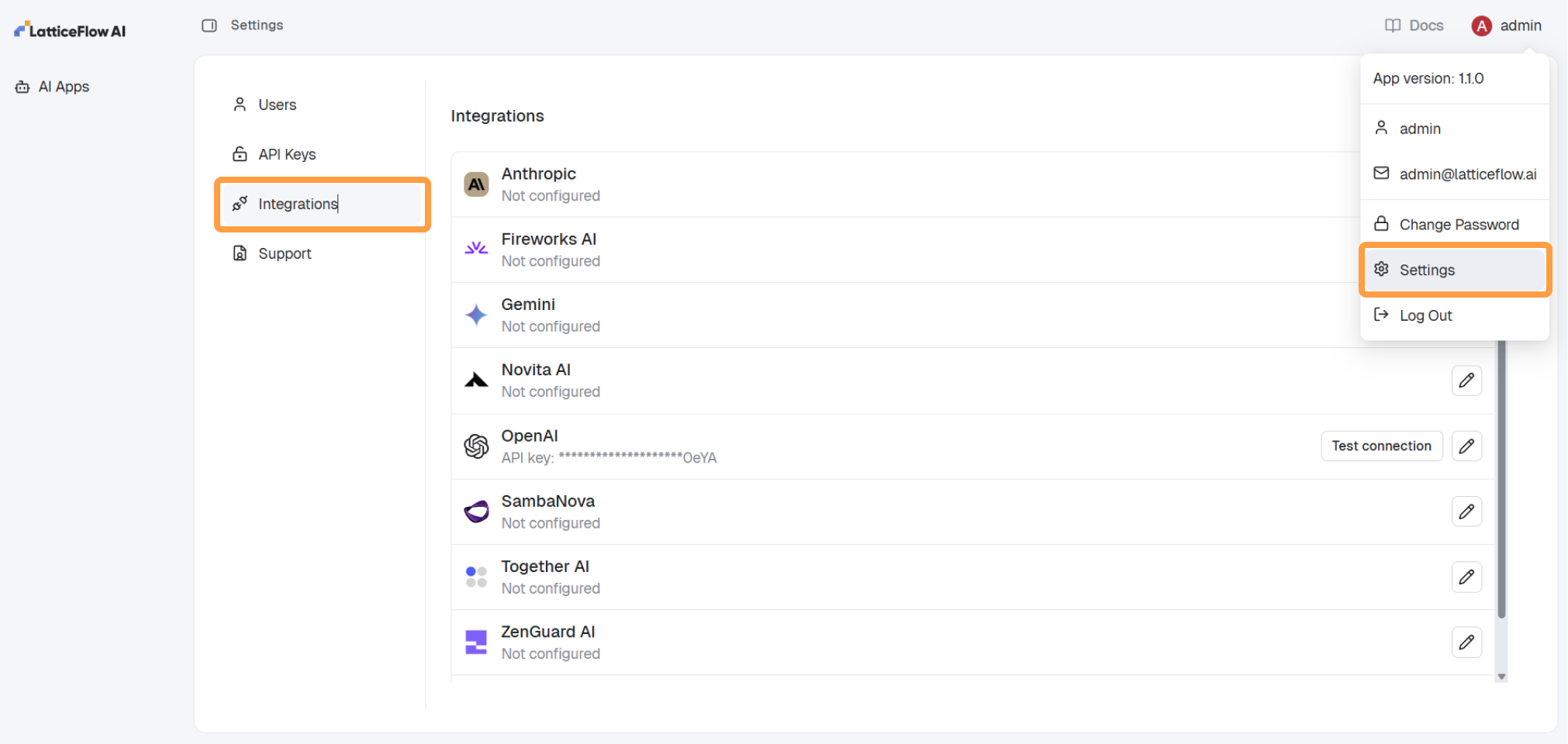
lf model add -p 'openai/gpt-5-nano'In case the credentials for the given provider have already been configured, the model is added immediately. If this is the first time the model provider is used, the user will be prompted to provide the required api_key. To manage credentials of providers navigate to Settings > Integrations.