
Command Line Interface
AI GO! command line interface (CLI) is distributed as a lightweight Python package. It is recommended to be installed locally in a virtual environment.
| Component | Requirement |
|---|---|
| Python Version | 3.10, 3.11, 3.12, 3.13 |
| Operating System | Linux, Windows, macOS |
Install CLI
Compatibility
To ensure compatibility between the CLI and the AI GO! application, it is required for both to have the same version.
uv pip install latticeflow-go-sdkpip install latticeflow-go-sdkWhat is my AI GO! Application Version?
Find the application version in the UI by following:
- Hover over your user icon in the top right corner,
- Copy the version by clicking on the 'App version' field.
Configure & Test CLI
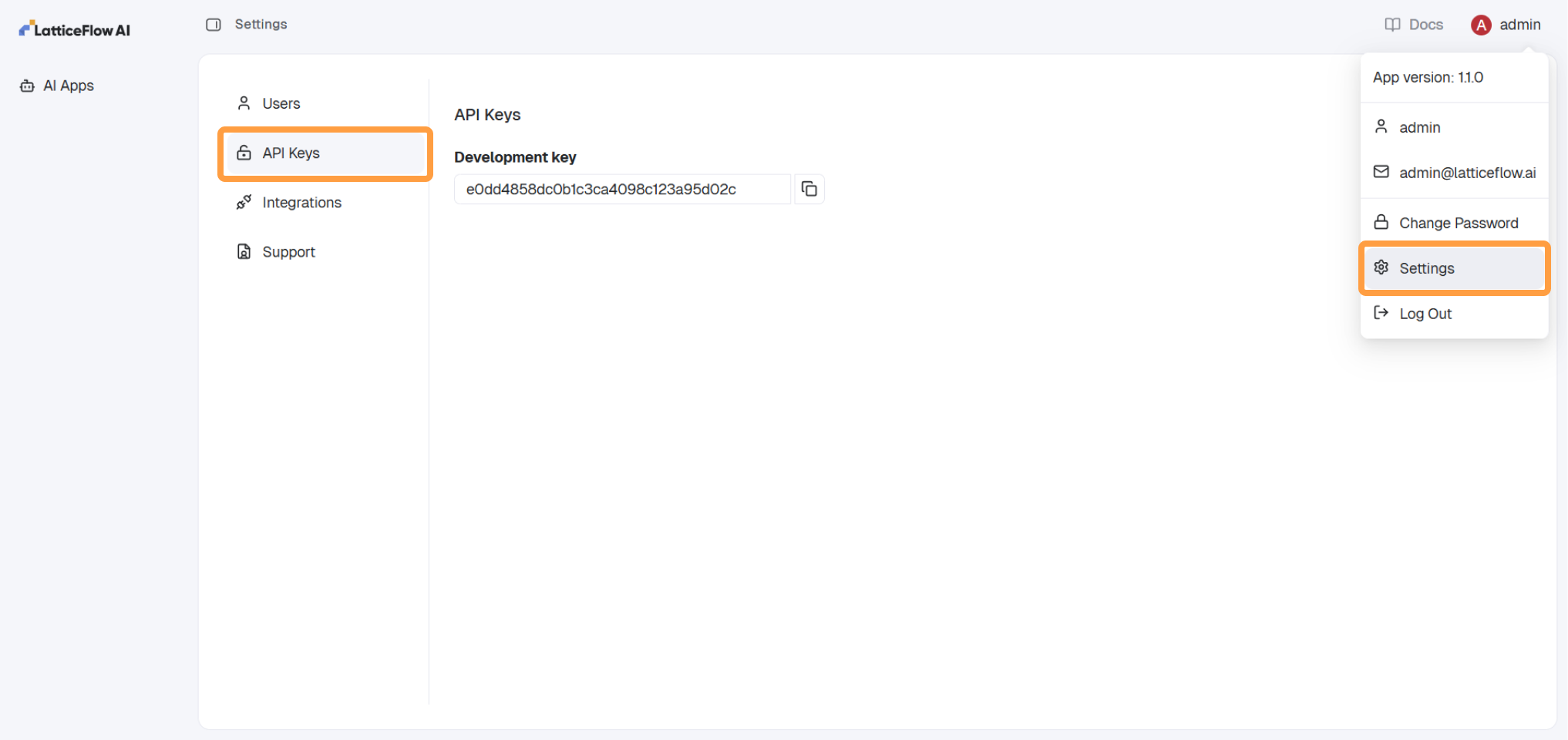
Step 1: Get API Key
The API key is used as the only authentication method when using the SDK. Each user has an API key associated.
- Navigate to
Settings. - Open
API Keysin the menu. - Copy the API key.
Step 2: Configure CLI
Use the lf configure command below and follow these steps:
- AI GO! URL: Set the variable to your AI GO! deployment URL by replacing
<aigo_url>. - API Key: Set the variable to the API key from the previous step by replacing
<api_key>.
lf configure --url <aigo_url> --api-key <api_key>